How to Make a Children's Picture Book With AI, From Idea to Print
Most picture books are 32 pages and around 500 words. Here is how to plan the spreads, keep your characters looking the same on every page, and get a print-ready file.
Author
Share
To make a children's picture book with AI, start with a short story of about 500 words, split it across a standard 32-page layout, then generate one illustration per spread with the same character descriptions every time so your characters stay consistent. Finish by exporting a print-ready PDF with bleed and a full cover. The AI can help with every step, but the choices that make a picture book work, like what happens on each page turn, are still yours.
How Long Is a Picture Book?
The industry standard is 32 pages. Books are printed in eight-page groups called signatures, so 32 pages is two signatures and other lengths, such as 24, 40 or 48 pages, are multiples of eight. Not all 32 pages carry story: title pages, the copyright page and endpapers take some, which leaves roughly 14 two-page spreads for the story itself.
Word counts are short. Most guides put fiction picture books at roughly 400 to 800 words, with about 500 words a common target, and nonfiction running longer. If your draft is 1,500 words, it's probably two books, or a chapter book for older readers.
"A picture book is 32 pages and about 500 words. The page turns do most of the storytelling."
How Do You Plan the Spreads?
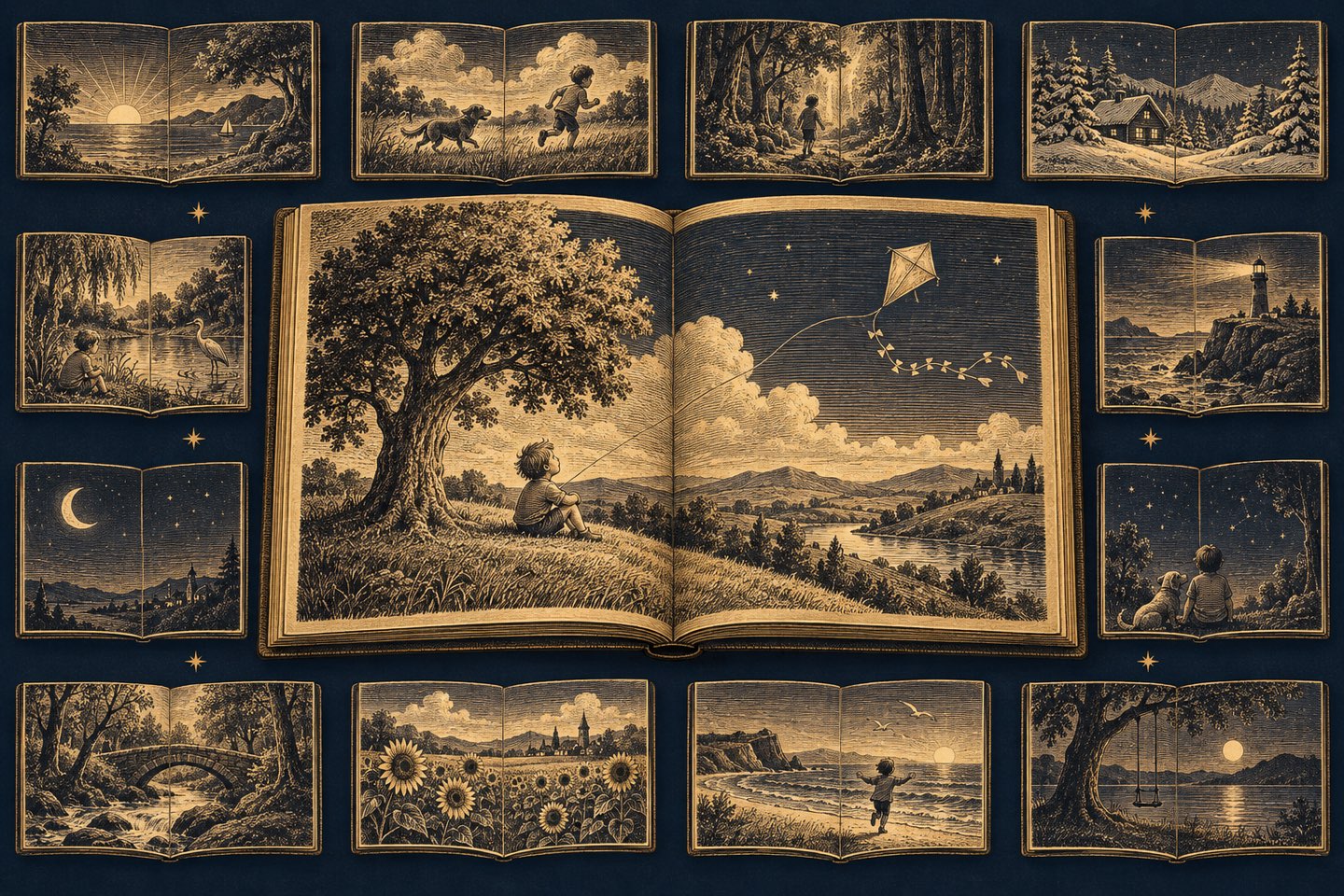
Before generating any art, break the story into spreads. Write one line per spread describing what happens and what we see. Good picture books use the page turn as a beat: a question on the right-hand page, the answer after the turn. Planning this way also tells you exactly how many illustrations you need, which keeps costs predictable.
- Spread 1: introduce the hero and what they want.
- Spreads 2 to 10: try, fail, try again, with each turn raising the stakes.
- Spreads 11 to 13: the big moment and the turn of the story.
- Spread 14: a quiet ending that echoes the first page.
How Do You Keep Characters Consistent Across Pages?
The most common problem with AI picture books is a hero who looks different on every page. The fix is a written character sheet that goes into every illustration request: species or age, size, hair or fur color, clothing, one or two distinctive details, and the art style. Use the same wording every time. Generate the character first, pick the version you like, and only then illustrate the spreads.
Keep the style fixed too: medium, palette, line weight and lighting. Mixing styles between pages reads as a mistake to children and parents alike.
How Do You Get a Picture Book Printed?
Print services need a PDF built for them. Full-page art must extend past the trim line, which is called bleed. On Amazon KDP that's 0.125 inches on the top, bottom and outside edges. KDP's minimum is 24 pages for most paperbacks, but 72 pages for standard color ink on white paper, so check which ink option you'll use before you lay out a 32-page book. You'll also need a full cover with front, spine and back sized to your page count.
If you publish the ebook or paperback on Amazon, remember that AI-generated images must be disclosed just like AI-generated text. Our KDP guide covers that step in detail.
How Does Anthra Make Picture Books Easier?
Anthra keeps a character bible that's added to every illustration request, so your heroes stay on-model from page to page, and you can regenerate any single illustration without touching the rest. It builds the front cover, spine and back cover for you, exports print-ready PDFs, and can order printed copies at cost through Lulu. You can narrate the finished book too, so it doubles as an audiobook for bedtime.
Sources
- Set Trim Size, Bleed, and Margins, Amazon Kindle Direct Publishing
- Content Guidelines (Artificial intelligence (AI)-generated content), Amazon Kindle Direct Publishing
- Picture Books 101 (Part 3): Understanding Picture Book Format and Construction, Debbie Ridpath Ohi